Giving writers a local, offline-capable AI drafting experience changes the product expectation: suggestions, rewrites, and topic prompts must work when the network doesn't. This article walks through a practical architecture and implementation pattern you can use to add an offline LLM blogging mode — a small on-device model, a local cache for drafts and context, and a reliable sync strategy for merging edits and suggestion history once the user is back online.
High-level architecture
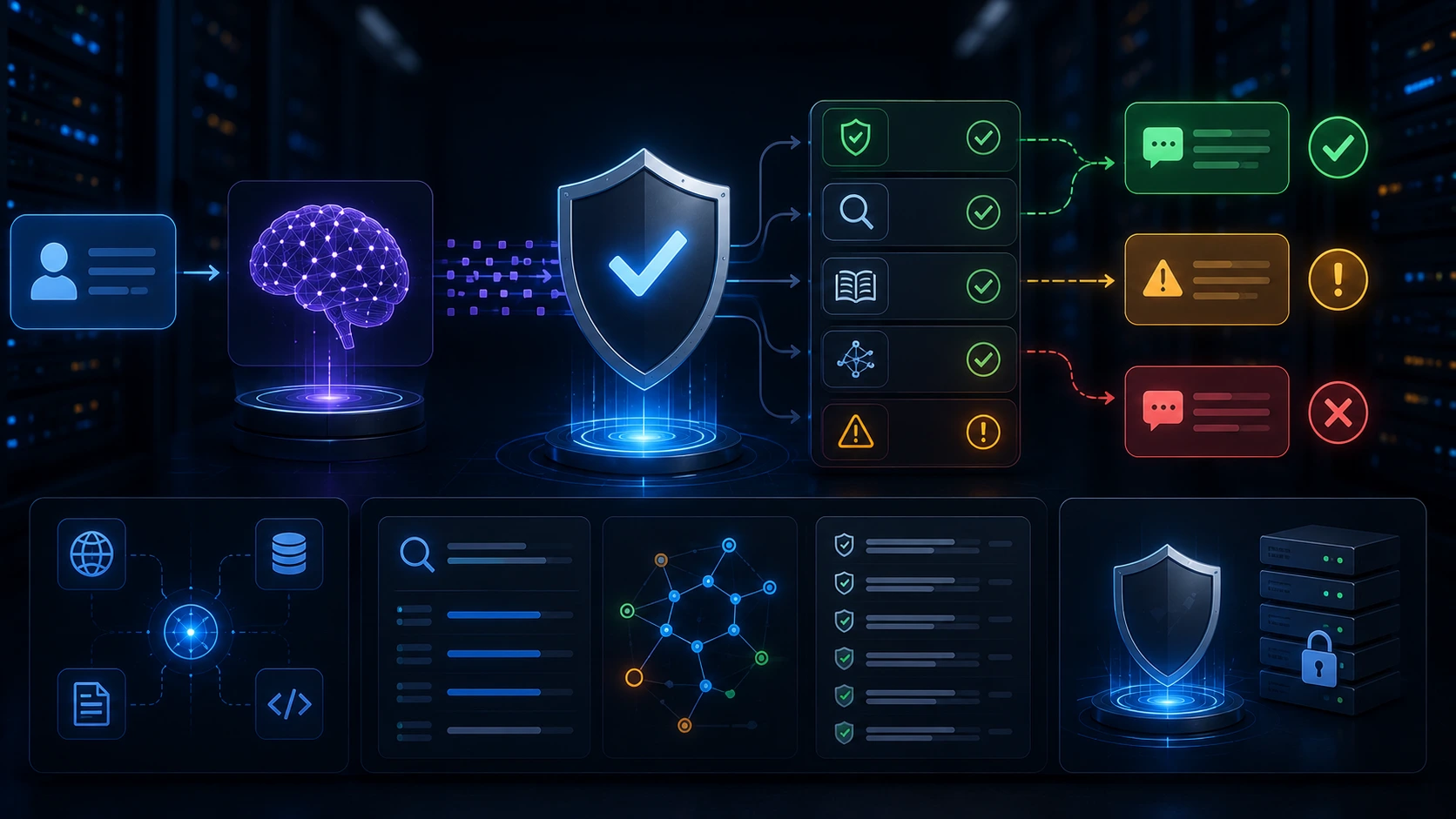
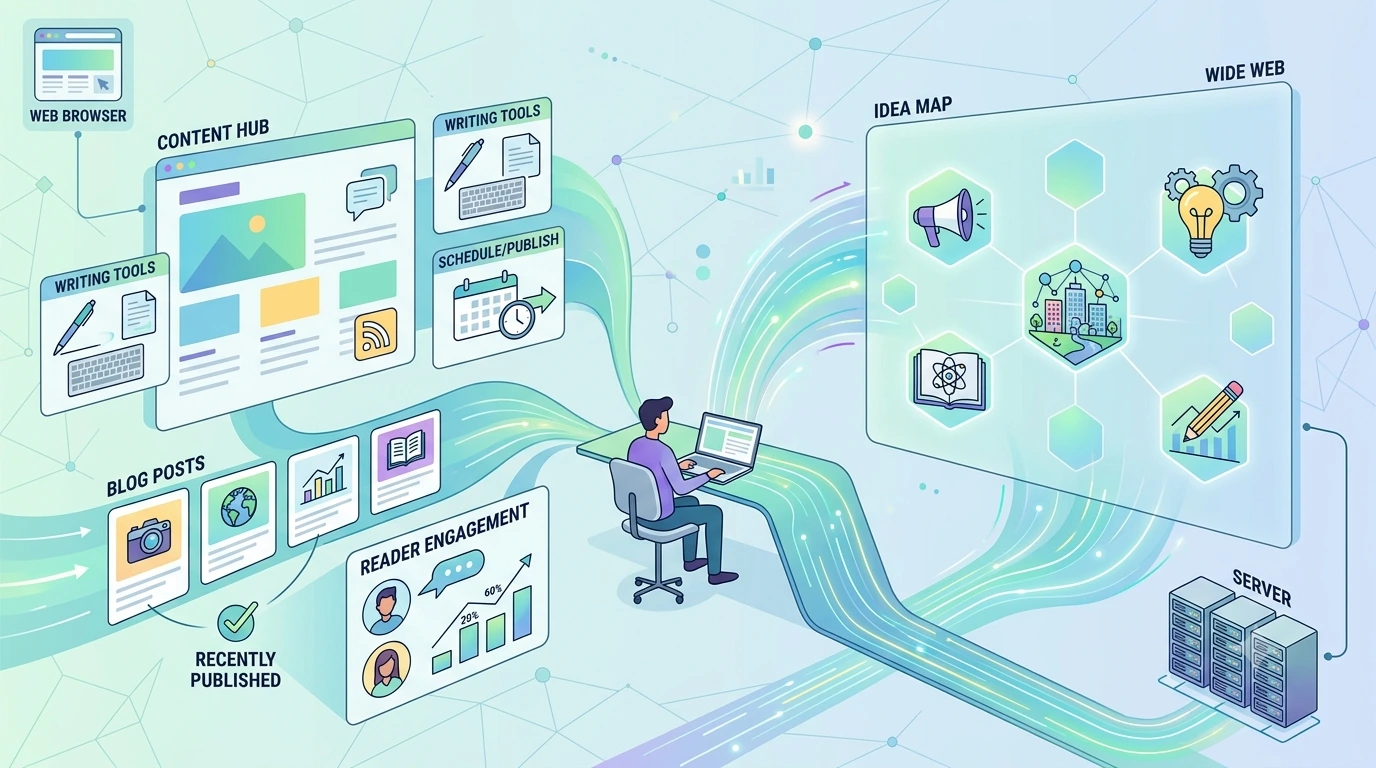
Keep the architecture simple and modular: three cooperating layers deliver offline LLM drafting reliably.
- Edge model layer — a small, quantized LLM running locally (in-process or as a local service) that generates suggestions and completions.
- Local editor & cache — the UI plus durable local storage (IndexedDB on web, SQLite on mobile) that stores draft content, suggestion metadata, and a compact context index for the model.
- Sync layer — a background synchronization engine that reconciles local edits, suggestion history, and server state when network returns.
Each layer should have clear boundaries: the editor never assumes the model is remote; the model API is the same whether local or remote; the sync layer operates on explicit change records rather than opaque file blobs.
Choosing an on-device model
For offline AI drafting you should prioritize models that are small enough to run on target devices, while still producing useful prose. Practical characteristics to weigh:
- Parameter size: 1–7B parameter models are typically the sweet spot for consumer devices and edge servers.
- Quantization: Use int8/int4 quantized weights to reduce RAM and storage requirements.
- Latency vs quality: Smaller models respond faster but produce shorter or less nuanced suggestions. Favor lower latency for interactive suggestion tooling.
- Licensing & distribution: Make sure you can distribute and update the model file to devices and comply with licenses.
On mobile, run the model inside a lightweight runtime (e.g., a compiled inference library). For desktop or kiosk-style apps you can run a local service process. For browser-based apps, an in-browser WebAssembly inference runtime or a small service worker + native helper is a typical approach.
Local editor and cache strategy
The local cache must hold:
- Draft content and edit history (document snapshots or operation logs).
- Model input context: recent paragraphs, title, metadata, and user preferences that shape suggestions.
- Suggestion metadata: the prompt used, generation options, timestamp, and a unique suggestion id.
Store the canonical draft state plus append-only change records. That lets the sync engine replay or merge edits later rather than trying to reconcile opaque full-document uploads.
Storage choices
- Web: IndexedDB for content + local files for cached model assets via the File System Access API when available.
- Mobile: SQLite or a secure Key/Value store; store model files in app storage with migration support for updates.
- Desktop: a local database (SQLite) and a background updater for model weights.
Data model: drafts, operations, and suggestions
Design the data model around small, well-typed records you can sync and merge deterministically.
{
"draft": {
"id": "draft_123",
"title": "My Post",
"content": "# Intro\n...",
"version": 42,
"lastModified": "2026-07-01T10:00:00Z"
},
"operations": [
{"opId": "op_1","type": "insert","pos": 10,"text": "new sentence","timestamp":"...","clientId":"deviceA"},
{"opId": "op_2","type": "delete","pos": 45,"len": 6,...}
],
"suggestions": [
{"suggestionId":"s_1","prompt":"Rewrite paragraph","result":"...","source":"local-model","opsApplied":["op_17"],"savedAt":"..."}
]
}
Key benefits of this approach: operations give you fine-grained merges, suggestions are traceable to the prompt and operations they touched, and version numbers let the sync engine detect divergence.
Sync design and conflict resolution
The sync layer should be conservative and deterministic. Here are practical rules that keep things predictable without introducing heavy distributed systems complexity.
1. Operate on immutable change records
Upload append-only operation logs and suggestion records. The server ingests those and returns canonical versions and a server version number. Avoid uploading full documents unless you also upload the base version the copy was derived from.
2. Merge strategy
- Text edits: Use an operational transform (OT) or CRDT approach for concurrent edits if you need real-time collaboration. For single-user offline scenarios, a deterministic OT replay of operations ordered by timestamp + client id is usually sufficient.
- Suggestions: Treat suggestions as first-class artifacts. If a suggestion was generated offline and later conflicts with an edit, attach it as a candidate change the user can accept, reject, or rebase.
- Last-writer-wins (LWW): For metadata (title, tags), LWW is acceptable when paired with clear UX indicating the source of changes.
3. Rebase suggestions against new content
When a suggestion references text that was edited before sync, re-run a lightweight alignment step: match the suggestion's original context to the current draft and compute a confidence score. If alignment confidence is low, mark the suggestion as stale and show it as a historical note rather than an actionable replacement.
4. Example pseudo-sync flow
// simplified client sync pseudocode
function syncClient() {
const pendingOps = readLocalOps();
const pendingSuggestions = readLocalSuggestions();
const response = sendToServer({ops: pendingOps, suggestions: pendingSuggestions, clientVersion: localVersion});

applyServerCanonicalState(response.canonicalDraft);
updateLocalVersion(response.newVersion);
clearSyncedOps(pendingOps.upTo(response.ack));
}
This keeps the client in sync with minimal round trips and allows the server to validate or canonicalize changes.
UX patterns for offline AI drafting
A good UX communicates capability clearly and reduces user confusion when networks are flaky.
- Mode indicator: Show a persistent indicator when the app is operating in offline LLM mode ("Local suggestions enabled").
- Fallback behavior: If the local model cannot satisfy a request (long-context rewrite, heavy RAG), surface a clear fallback that either queues the request for server processing or returns a graceful message explaining limits.
- Suggestion provenance: Tag each suggestion with its source (local-model or server) and a timestamp. This helps the writer trust or dismiss suggestions quickly.
- Accept/Reject flow: Always present suggestions as non-destructive; inserting a suggestion should create an operation that can be undone or edited before it’s synced.
- Sync conflict UI: When the server finds a conflicting edit, surface a compact diff and let the user choose to accept the server version, keep local edits, or merge selectively.
Security, privacy, and data residency
Offline drafting improves privacy because model inference happens locally, but you still need to protect sensitive data.
- Encrypt at rest: Encrypt local draft storage and suggestion metadata, especially on shared devices.
- Model file integrity: Validate model file signatures during updates to prevent tampering.
- PII handling: If you perform server-side syncing of suggestion content, sanitize or redact personally identifiable content where appropriate and be explicit in your privacy policy.
Performance and resource trade-offs
Budget device CPU, memory, and storage carefully.
- Model warm-up: Keep the model loaded in memory for active editing sessions but unload after idle periods to reclaim RAM. Provide a small visual cue while the model is starting.
- Quantization vs quality: Aggressive quantization reduces resource use but may reduce suggestion quality. Test on representative devices to find the right balance.
- Cache pruning: Keep a rolling window of suggestion history and context. Older suggestions can be archived to cloud storage when online.
Testing and rollout
Test aggressively across network conditions and device profiles.
- Simulate offline and intermittent connectivity. Verify that operations are replayed in the right order and conflicts are surfaced correctly.
- Measure latency and CPU/memory during active suggestion generation on target devices; tune model size or batching accordingly.
- Run privacy audits for local storage and sync payloads.
- Start with a limited beta that exposes offline suggestions to power users, gather feedback on suggestion usefulness and conflict UX, then expand.
Practical implementation snippets
Below are two short, practical examples: a JSON schema sketch for suggestion records and a basic offline suggestion API pattern.
// suggestion record (compact)
{
"suggestionId": "s_20260701_123",
"draftId": "draft_123",
"prompt": "Improve tone of paragraph 2",
"result": "Rewritten paragraph...",
"source": "local-model",
"baseOps": ["op_137"],
"createdAt": "2026-07-01T12:00:00Z",
"state": "pending" // pending | synced | stale | accepted
}

// local API pattern
async function requestSuggestion(prompt) {
if (!localModelAvailable()) return queueServerRequest(prompt);
const result = await localModel.generate(prompt, {maxTokens: 256});
saveSuggestionLocally(result, prompt);
return result;
}
Deployment checklist
- Choose a small native-compatible model and configure quantization/backing storage.
- Implement a local store for drafts, operations, and suggestion metadata.
- Design the sync protocol around append-only operations and suggestion artifacts.
- Build clear UX for offline mode, suggestion provenance, and conflict resolution.
- Encrypt local data and verify model file integrity on update.
- Test across devices, offline scenarios, and with target user workflows.
If you need streaming completions or real-time delta updates alongside offline capabilities, see our article on building an AI-assisted markdown editor for related patterns that complement an offline LLM drafting mode.
Practical principle: treat suggestions as separate, auditable artifacts. That keeps local inference non-destructive, makes merges simpler, and preserves user control over what becomes part of the canonical draft.
Frequently Asked Questions
Do I need a special model for offline drafting?
No special model is required, but you should use a small, quantized LLM suited to your target devices (typically 1–7B parameters) and a runtime compatible with your platform. Test quality versus latency to find the right trade-off.
How should I handle suggestions that conflict with later edits?
Store suggestions as separate artifacts and attempt a lightweight context alignment when the draft changed. If alignment fails, mark the suggestion as stale and present it as a historical candidate the user can accept, edit, or discard.
What local storage is best for web and mobile?
Web apps should use IndexedDB (and File System Access API where available) for model assets; mobile apps can use SQLite or the platform's secure key/value store. Always encrypt sensitive data at rest.
Should I sync full document snapshots or operations?
Prefer append-only operations and suggestion records. They make merging deterministic and reduce wasted upload bandwidth. Upload full snapshots only when necessary and with a base version for deterministic reconciliation.