
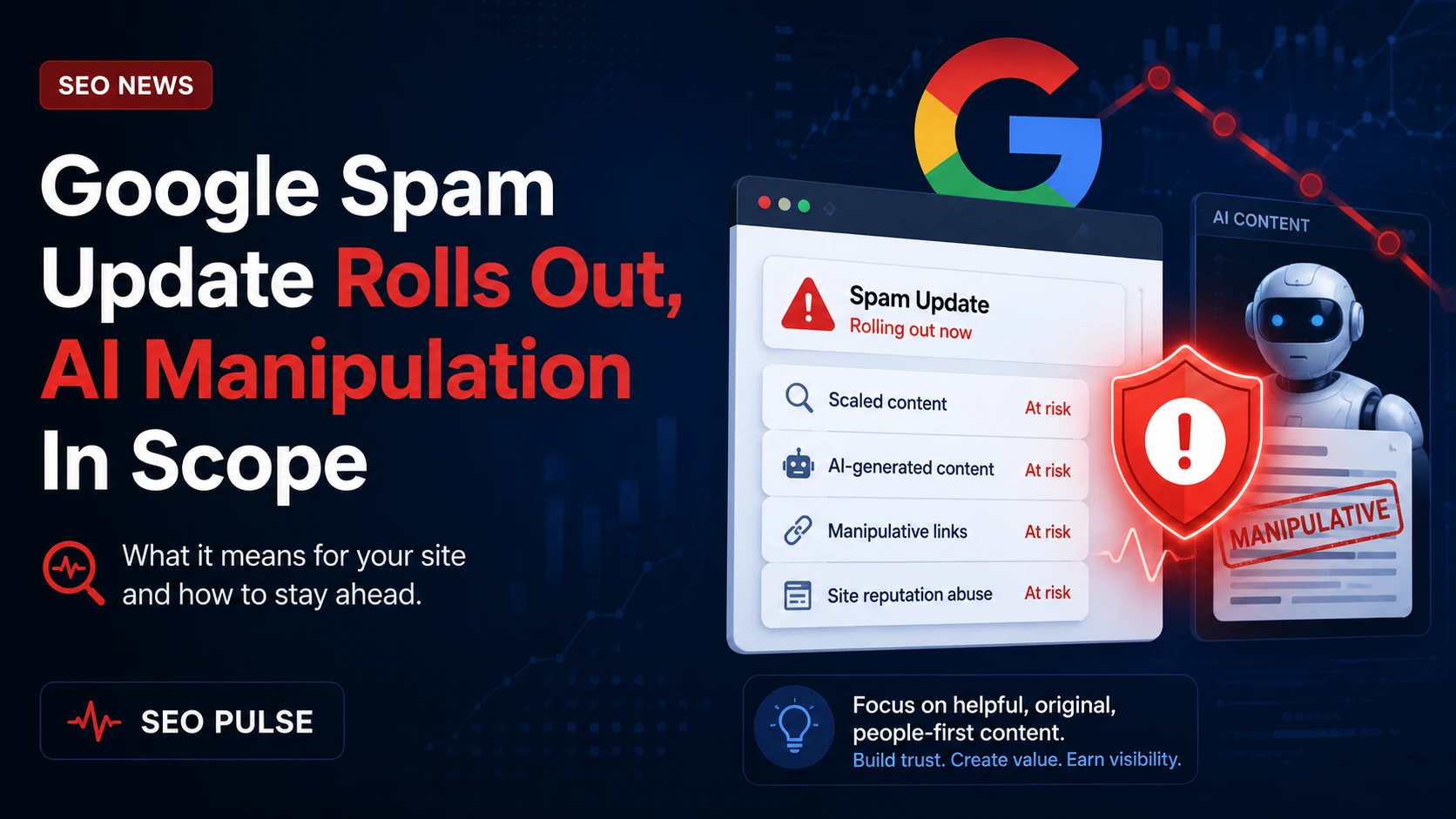
Google has rolled out its June spam update and flagged AI manipulation among the behaviors it is targeting. At the same time, Clarifications from Google staff about how AI-related impressions appear in Search Console and fresh AWR and Similarweb data on click and traffic distribution give SEOs concrete signals to act on. This piece focuses on what to check first, how to triage potential impact, and which fixes move the needle.
What this update changes — high level
The public message is straightforward: the spam update broadens enforcement to include manipulation that leverages AI at scale. That does not mean every AI-written page will be penalized; rather, Google is prioritizing manipulative or deceptive uses of AI — for example, content generated primarily to game rankings, to mislead users, or to mass-produce shallow pages that add little value.
Practically, expect two patterns: (1) manual or automated actions against clear spam networks and (2) tweaks in ranking signals where large volumes of low-quality AI-generated pages exist. Because Google Search Console now surfaces AI-related impressions differently, some reporting artifacts may appear while the update settles.
Immediate triage checklist for sites
When an algorithmic spam update launches, speed and methodical checks matter. Use this checklist to triage:
- Performance overview — Compare last 28 days to the prior period in Search Console for impressions, clicks, CTR, and average position. Look for sharp dips concentrated on groups of URLs, subfolders, or query types.
- Search Console labels — Note any new impressions or appearance labels related to AI or generative features. These labels indicate where Google applied an AI-generated summary or feature, not necessarily a penalty against your site.
- Manual actions / Security — Confirm there are no manual actions or security issues reported in Search Console.
- Sample crawl and engagement — Pull a representative sample of pages that lost traffic and check quality: utility, originality, E-E-A-T signals, and internal linking.
- Technical surface — Run log-file analysis to confirm crawling and indexing changes; prioritize URLs with high ranking declines. Log analysis is fast way to separate visibility loss from indexing or crawling issues.
- Backlink review — Scan for sudden spammy link patterns that coincided with the timing of losses; reversals are sometimes tied to link remediation efforts.
- Competitor movement — Use AWR and Similarweb to see whether traffic losses are due to consolidation in SERP features or competitors capturing clicks with richer results.
How to interpret Search Console’s AI impressions
Google engineers have clarified how Search Console reports features related to AI. In practice, impressions flagged as ‘AI’ often reflect Google showing an AI-produced snippet, summary, or feature on the SERP — not an automatic demotion of the underlying pages. For site owners that see AI-labeled impressions, ask these questions:
- Is Google displaying an AI summary for queries where your content previously ranked? If yes, your content may still appear on the panel that the AI summary uses as sources.
- Does the flagged traffic loss align with other quality signals on those pages (high bounce, thin content, low time on page)? If so, content quality improvements are the right fix.
- Are there presentation issues — e.g., missing structured data, poor headings, or non-descriptive meta tags — that make your pages less likely to be chosen as sources for AI summaries?
Actionable step: export Performance reports filtered by appearance and query and compare source URLs assigned to AI snippets. This will show whether your pages are being used as source material or excluded entirely.
Practical fixes for suspected AI-manipulation penalties
If you identify pages likely affected by the spam update, prioritize remediation with these concrete steps:
- Remove or consolidate low-value autogenerated pages. If multiple pages target near-duplicate intent with minor variations, fold them into a single, useful resource.
- Improve demonstrable usefulness. Add original research, examples, step-by-step procedures, or first-hand knowledge that a generative model cannot replicate from surface data.
- Strengthen E-E-A-T signals. Add author bios with verifiable expertise, link to original sources, and include editorial oversight notes where appropriate.
- Audit structured data and metadata. Ensure schema is accurate and meta titles/descriptions clearly reflect page intent to improve selection for rich features and AI summaries.
- Noindex thin or duplicate output while you rebuild. Use a temporary noindex for pages that are not salvageable or that might be harming site-wide quality signals.
- Document changes and request reconsideration only if manual action exists. For algorithmic shifts, focus on steady quality improvements — recovery typically takes time.
Using AWR and Similarweb data to prioritize
AWR and Similarweb measure different slices of visibility and competitor movement. AWR gives you granular SERP position and feature data across keywords you track; Similarweb shows category-level traffic shifts and where audiences concentrate. Combine them to answer practical questions:
- Are traffic losses concentrated on queries where SERP features (snippets, multi-source AI answers) have expanded? If yes, optimize for those features rather than only chasing a top-10 position.
- Which competitors gained queries or referral share? Use their landing pages to identify content format or feature differences you can replicate or improve upon.
- Which pages still convert despite lower organic traffic? Prioritize fixing high-value landing pages first.
Tip: Pair AWR keyword-level drops with server logs to confirm whether impressions turned into fewer clicks or if Google simply replaced listings with a feature that doesn’t credit your URL.
Where to focus in the next 30–90 days
Short-term, prioritize triage and fixes that improve measurable quality signals. Medium-term, invest in original content and page-level expertise that distinguishes your site from mass-generated content. Specifically:
- Week 0–4: Triage with Search Console and logs, noindex salvageable low-quality pages, correct technical issues.
- Month 1–3: Rewrite and consolidate content, add unique data or examples, and monitor changes in organic traffic and feature appearance.
- Month 3+: Reassess site architecture and content strategy to reduce dependence on high-volume thin pages and emphasize durable, authoritative resources.
When you need a fast way to prioritize URLs for this work, log-file analysis will show where Google spends crawl budget and where you should focus — our guide on log file analysis provides a playbook to do exactly that.
Practical monitoring and targeted quality improvements beat speculation. Use Search Console labels, log data, and feature-level tracking to decide which pages to fix, remove, or consolidate.
Frequently Asked Questions
Does the update mean all AI-generated content will be penalized?
No. The update targets manipulative or deceptive uses of AI — mass-produced, low-value pages or content created to game rankings. High-quality, useful AI-assisted content is not automatically penalized.
How can I tell if the update affected my site?
Check Search Console for sudden drops in clicks/impressions, look for AI-related appearance labels, confirm there are no manual actions, and use log-file analysis to see changes in crawling and indexing patterns.
What immediate actions should I take if traffic fell after the update?
Prioritize triage: identify affected URL groups, temporarily noindex thin pages, improve or consolidate low-value content, strengthen E-E-A-T signals, and monitor changes over several weeks.
How do AWR and Similarweb help with prioritization?
AWR shows keyword-level rank and feature changes; Similarweb reveals category-level traffic shifts. Use them together to identify which queries lost clicks to SERP features or competitors and which pages still convert.
Should I request reconsideration for algorithmic declines?
Only request reconsideration for manual actions. For algorithmic updates, focus on measurable quality improvements and monitor recovery; algorithmic shifts usually require time rather than a reconsideration request.