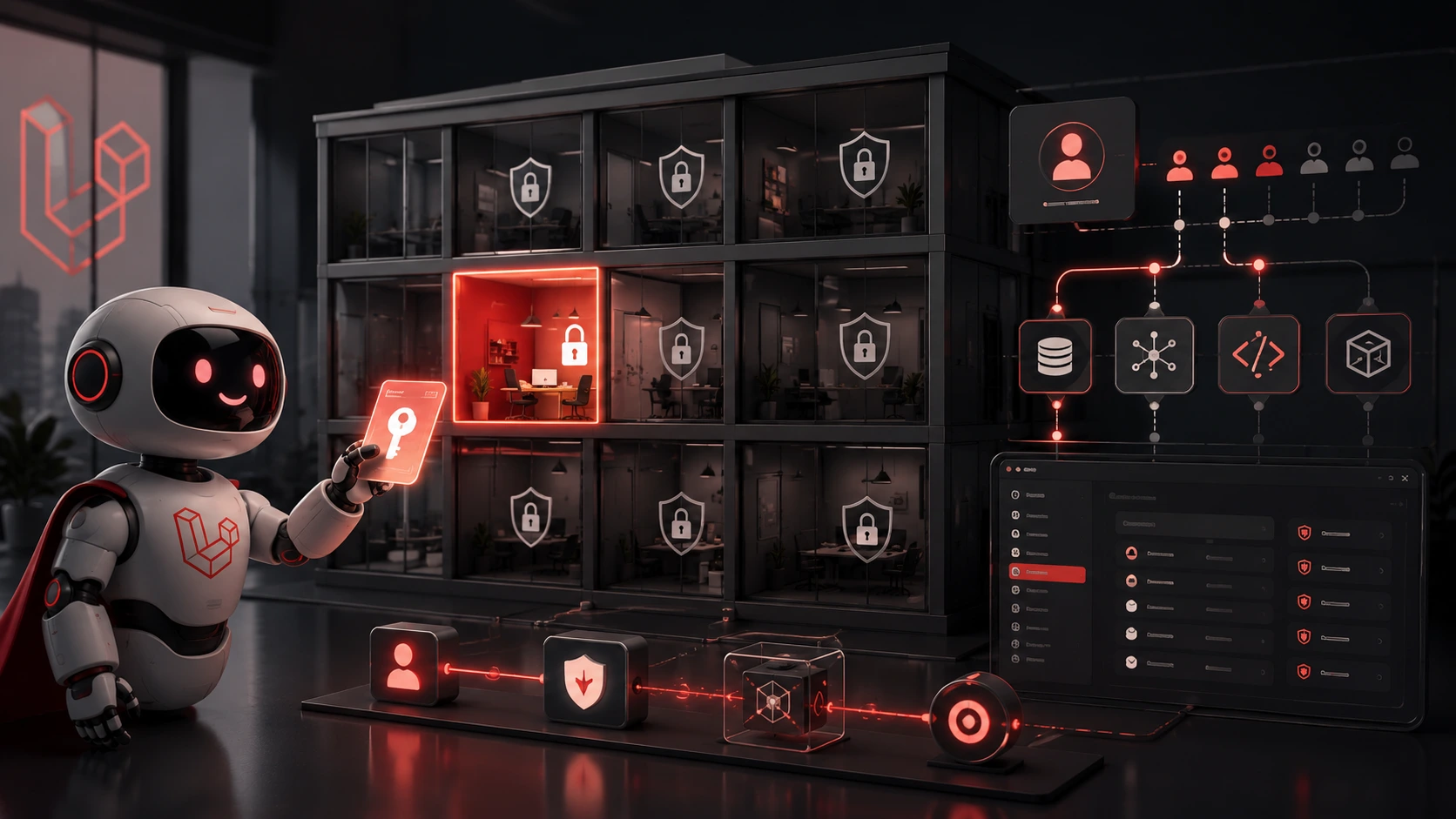
Exposing your app to an AI agent over an MCP (model control plane) is basically handing someone a master keyring and trusting they won't open every door. That trust rarely pays off. Instead, treat agent integration like any other third party: minimal privileges, explicit scopes, strong auditing, and clear separation between service accounts and human users. This article shows how to implement role-based access control (RBAC) and organization-scoped tools in Laravel so your agents can act usefully without owning the building.
Why ordinary tokens are dangerous for agents
Developers often start by issuing an API token tied to a developer user or a global service account. That token can do everything that user can do. For an agent that can craft arbitrary calls, that means it could read all customer data, change billing, or escalate privileges. Even well-intentioned agents can follow a chain of actions that results in broader access than intended.
Preventing that requires two principles: least privilege (only grant needed capabilities) and contextual scoping (limit what those capabilities apply to — for example, a single organization or a subset of resources).
Design overview: service accounts, tools, and org scope
Break the agent integration into three pieces:
- Service account — a first-class record representing the agent (or the agent installation). Stores organization, roles, tokens, and metadata.
- Tools (MCP actions) — named, bounded capabilities the model can invoke (for example:
create_ticket,read_customer_profile,search-docs). Tools map to controller actions or jobs and declare required permissions and inputs. - RBAC and policies — enforce who (which service account) can execute which tool and on which organization-scoped resources.
This separation keeps the model's surface area narrow: you only expose specific tools, and each tool enforces its own access checks.
Practical Laravel patterns
Here are concrete patterns you can adopt in a Laravel app without adding speculative complexity.
1. Service accounts table and tokens
Create a dedicated service_accounts table rather than reusing the users table. Store organization ID, role(s), token hash, expiry, and a JSON set of abilities or tool IDs. This makes revocation, rotation, and auditing straightforward.
// simplified migration fields
Schema::create('service_accounts', function (Blueprint $table) {
$table->id();
$table->unsignedBigInteger('organization_id');
$table->string('name');
$table->string('token_hash');
$table->json('abilities')->nullable(); // ['create_ticket','read_profile']
$table->timestamps();
});
2. Token authentication middleware
Authenticate agents by looking up the token and attaching the service account to the request. Use a short, single-use public token paired with a hashed secret in the DB to reduce risk if logs leak.
// app/Http/Middleware/AuthenticateServiceAccount.php
public function handle($request, Closure $next)
{
$token = $request->bearerToken();
if (! $token) return response('Unauthorized', 401);

$account = ServiceAccount::where('token_hash', hash('sha256', $token))->first();
if (! $account) return response('Unauthorized', 401);

$request->setUserResolver(fn() => $account);
return $next($request);
}
3. Tool registry and explicit mapping
Define a registry where each tool declares the abilities it needs and any parameter validation. The MCP layer only allows calls to registered tools; the agent cannot arbitrarily hit any endpoint.
// pseudocode registry
$tools = [
'create_ticket' => [ 'ability' => 'create_ticket', 'controller' => CreateTicketController::class ],
'read_profile' => [ 'ability' => 'view_profile', 'controller' => ReadProfileController::class ],
];
4. Policy checks plus org scoping
Within each tool handler, enforce both ability and organization match. Policies are the right place to centralize resource checks.
// inside a controller handling a tool call
$account = $request->user();
$organizationId = $account->organization_id;
$resource = Customer::find($id);

$this->authorize('view', $resource); // standard Laravel policy

// Additional explicit check: resource must belong to the service account's org
if ($resource->organization_id !== $organizationId) {
abort(403);
}
Policies can be written to expect a ServiceAccount as the actor as well as a User, so permissions are consistent across human and agent actors.
Role-based controls and tool-level scopes
Use RBAC to group abilities into roles (for example, agent_reader, agent_writer, agent_admin). Assign roles to service accounts. Optionally use a small library such as spatie/laravel-permission for convenience, or keep a minimal custom model for clarity and tighter audits.
Crucially, model the tool set as the surface you expose. An agent with the read_profile ability should not also have direct database query access or a general-purpose admin API endpoint.
Operational controls: auditing, rotation, and limits
Technical controls should be backed by operational rules:
- Log every tool invocation with service account ID, organization ID, inputs (redact sensitive fields), and outcome.
- Rate-limit agents per account and per org to prevent runaway loops or data exfiltration.
- Rotate tokens regularly and build an easy revocation UI for security teams.
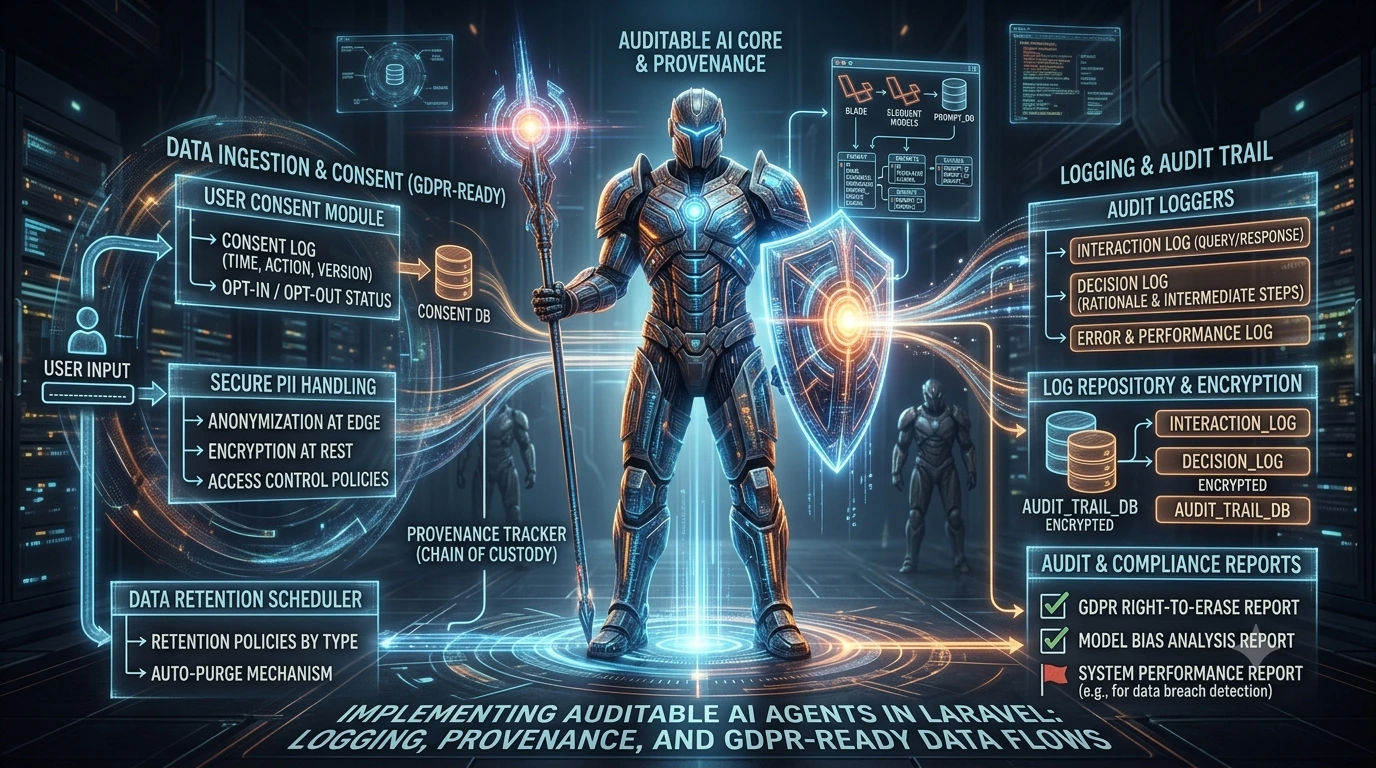
- Keep agent prompts and responses in provenance logs for later review; separate logs for PII-sensitive data and apply retention rules.
Trade-offs and practical decisions
There’s a balance between friction and safety. Too many tiny tools mean more integration work; too few tools increase blast radius. Start small: expose a handful of well-tested tools for common tasks, monitor usage, and expand after you understand how the agent behaves.
Also, expect to iterate on policies. Early deployments will reveal legitimate edge cases where an agent needs an extra ability or a more granular check. Make policy changes auditable and reversible.
Practical rule: never give an agent a user token. Always mint a scoped service account token tied to an organization and a limited tool set.
Where this ties to prompt engineering and auditing
Exposing a predictable, tool-based API complements good prompt engineering. When prompts map to named tools with fixed inputs and outputs, it's easier to test, reason about, and log agent actions. If you've read about building reusable prompt components, the same discipline applies: keep the agent's external behavior constrained and versioned.
Actionable checklist
- Create a service_accounts table and stop reusing human user tokens.
- Register explicit tools and map each to a controller and ability.
- Authenticate agents with hashed tokens and attach the service account to requests.
- Enforce org_id equality and Laravel policy checks for every tool call.
- Log tool calls, enforce rate limits, and provide token rotation/revocation flows.
Following these patterns lets you give an AI agent the keys it needs to be useful while keeping the building locked. Small surface area, clear policies, and strong telemetry make integrations safe and manageable.
Frequently Asked Questions
Why shouldn't I reuse a human user's API token for an AI agent?
Human tokens inherit broad privileges and identity context. A dedicated service account with scoped abilities prevents accidental privilege escalation and makes auditing and revocation simple.
How do I restrict a tool to a single organization in Laravel?
Store an organization_id on the service account and on resources. In the tool handler or policy, check the service account's organization_id matches the resource's organization_id before proceeding.
What belongs in a tool registry for MCP integration?
At minimum: a tool identifier, required ability (permission), parameter validation rules, and the handler/controller. The registry prevents agents from calling arbitrary endpoints.
How should I log agent activity to be useful and compliant?
Log service account ID, organization ID, tool name, non-sensitive inputs, result status, and timestamps. Redact PII, keep retention policies, and tie logs to audit workflows for investigations.
Should I use an existing RBAC package or build a minimal custom solution?
Use a package like spatie/laravel-permission if you want feature completeness quickly. For tighter control and simpler audits, a minimal custom model that records roles, abilities, and changes may be preferable.