
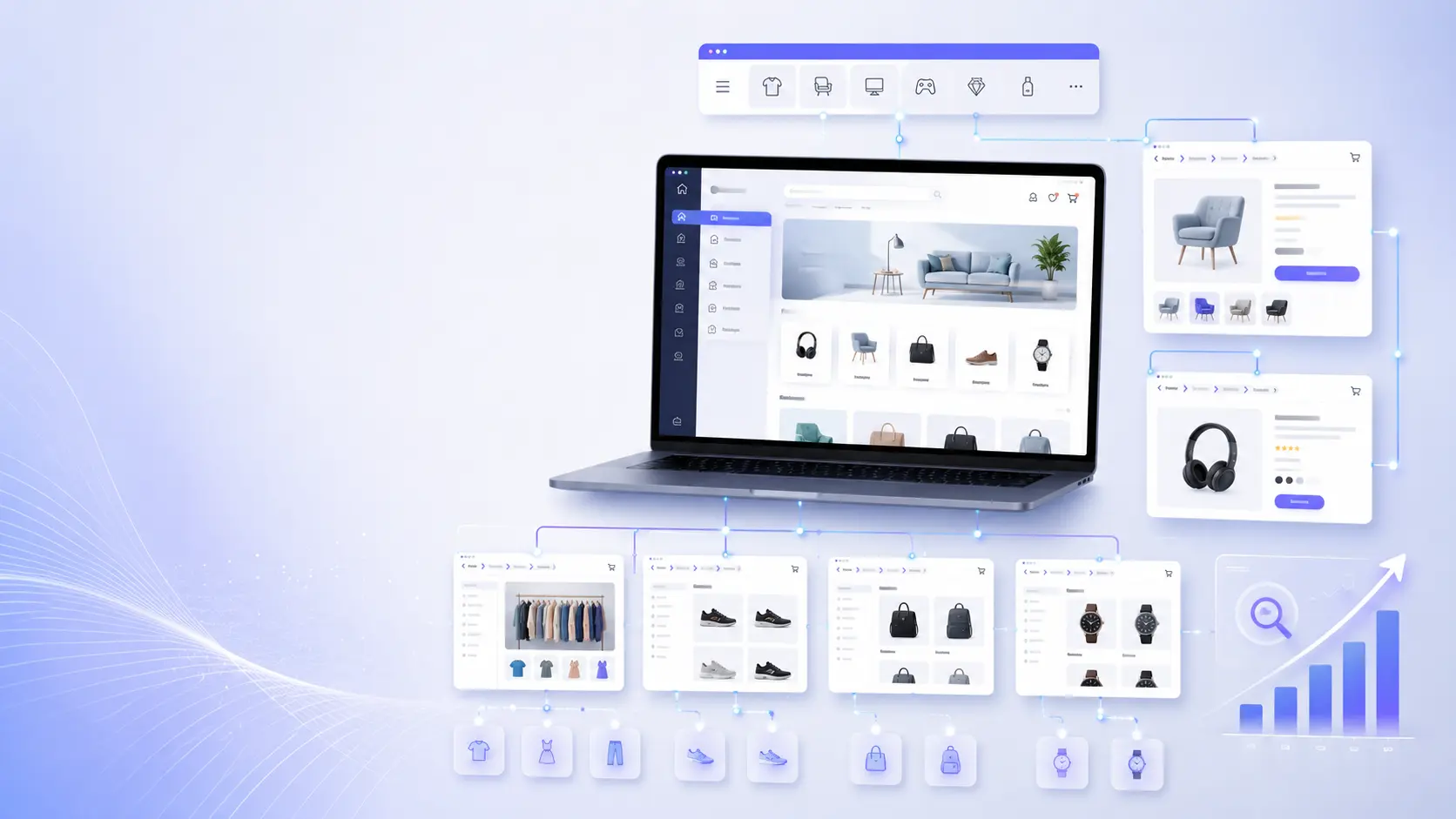
Introduction — why faceted navigation causes index bloat
Faceted navigation is essential for product discovery on large e-commerce sites. But when every combination of color, size, sort order, price range, and availability becomes a crawlable URL, search engines quickly pick up thousands—or millions—of near-duplicate pages. That leads to index bloat, wasted crawl budget, and diluted ranking signals.
This guide explains practical, implementation-focused patterns you can apply to maintain great UX while keeping your site SEO-safe. It covers canonicalization, parameter handling, crawl-budget controls, selective indexing of high-value facet pages, and monitoring workflows for large catalogs.
Quick principles to follow
- Prioritize user experience, but treat any non-unique, low-value, or infinite URL combinations as non-indexable.
- Decide which facet combinations deserve unique indexable URLs (category + one or two important attributes).
- Manage crawling separately from indexing: use noindex for pages you want crawled but not indexed; use robots.txt carefully because it blocks crawling and can hide meta directives.
- Make canonicalization explicit and conservative: canonicalize to a representative page, not blindly to the category home when a faceted page has unique value.
Pattern 1 — Define an indexing policy for facets
Before you change any code, map the business value of facets and create a policy that the engineering and SEO teams can enforce programmatically.
- High-value, indexable facets: e.g., "women coats + waterproof" or brand + product-type combos with clear commercial intent and sufficient content to justify indexing.
- Neutral or low-value facets: sort orders, session IDs, view modes, and combinations that only narrow results without unique content.
- Never-index facets: internal-only flags, tracking parameters, and infinite filters (price ranges generated by sliders without canonical buckets).
Document which facet parameters create indexable pages and which parameters are considered technical or low value. Use that definition to automate how URLs are handled (index, noindex, canonicalize, redirect).
Pattern 2 — Use canonicalization intentionally
Rel=canonical is a primary tool to consolidate duplicates, but it must be used with care:
- Canonicalize near-duplicate faceted URLs to a canonical representative: typically the base category or a curated filter landing page.
- Do not canonicalize a uniquely valuable filtered page to the category home; instead let it be indexable with its own canonical pointing to itself.
- Set canonical tags server-side so they are present for crawlers without relying on client-side JavaScript.
Example: if /women-coats?color=red has unique product selection and you want it indexed, serve <link rel="canonical" href="https://example.com/women-coats?color=red">. If you treat color filters as non-indexable, canonicalize to https://example.com/women-coats.
Pattern 3 — Parameter handling and URL design
How you design URLs and parameters impacts both SEO and engineering complexity. Follow these practical rules:
- Prefer human-readable, SEO-friendly URLs for indexable filters: /women/coats/red or /women/coats/brand/north-face. These are easier to surface and maintain in sitemaps.
- Use query parameters for technical or session-related flags that should not create indexable pages: ?sort=price_asc, ?page=2, ?session_id=.
- Normalize parameters on the server by reordering and removing duplicates to avoid multiple equivalent query-string permutations.
- Redirect meaningless parameter combinations to the canonical URL (301) when possible to reduce crawl surface.
Example nginx rule: strip tracking params and set X-Robots-Tag
# Example: add X-Robots-Tag to responses for any URL with ?session_id or ?utm_
if ($args ~* "(session_id|utm_)") {
add_header X-Robots-Tag "noindex, follow";
}

# Example: redirect URLs with duplicate params normalized to canonical
if ($args ~* "^(.*)(&)?session_id=[^&]+(.*)$") {
return 301 $scheme://$host$uri?$1$3;
}
Pattern 4 — Use robots and X-Robots-Tag strategically
Robots.txt, meta robots, and X-Robots-Tag are different tools with different effects. Use them intentionally:
- Meta robots (<meta name="robots" content="noindex,follow">) or X-Robots-Tag (HTTP header) to prevent indexing while allowing crawling of faceted pages. This keeps internal links discoverable without adding pages to the index.
- Use robots.txt disallow only for resources you want completely excluded from crawling (internal APIs, /cart, /checkout). Avoid disallowing parameterized URLs that you need crawled to read meta directives.
- If you must block heavy-value low-utility URLs (e.g., huge combinations), prefer X-Robots-Tag: noindex,follow so Google can still see the page and respect the noindex directive.
Pattern 5 — Selective indexation: curated landing pages
Rather than indexing every facet combination, curate a controlled set of landing pages for SEO. These should be:
- Human-readable, evergreen URLs (e.g., /mens-running-shoes-waterproof).
- Optimized with unique title and description and some unique content (short intro or buying guide).
- Included in sitemaps and internal linking structures.
Create templates and an editorial process to generate or approve these landing pages at scale rather than relying on ad-hoc facet combinations.
Pattern 6 — Link architecture and on-page signals
How facet links appear on pages affects crawl behavior:
- Limit the number of crawlable facet links per category. Use progressive disclosure (e.g., 'more filters' panels) that render non-crawlable links until a user requests them.
- Render less-important facet links via JavaScript or mark them rel="nofollow" if they would create too many indexable URLs. If you render via JavaScript, ensure important pages produce server-rendered canonical/meta data.
- Include only curated facet landing pages in your navigation and footer links to concentrate PageRank on the pages you want indexed.
Pattern 7 — Sitemaps and Search Console hygiene
Sitemaps and Search Console are your control plane for indexing:
- Include only canonical, indexable URLs in sitemaps. Do not list parameter combinations you want noindexed.
- Use Search Console to monitor Index Coverage and URL inspection for representative facet examples.
- For parameter-heavy sites, maintain separate sitemaps by facet type (e.g., curated landing pages sitemap) and submit them individually to Search Console.
Monitoring and KPIs — how to prove improvements
Track these metrics before and after changes:
- Crawl requests per day and average pages crawled per host — to measure crawl budget consumption.
- Index size vs. canonical URLs count — to detect index bloat.
- Google Search Console Index Coverage errors and pages indexed by parameter.
- Server logs for crawler activity: identify high-frequency crawler URLs and respond with targeted rules.
Run periodic audits (monthly or quarterly) using log analysis and site crawls to find new problematic parameters and update your ruleset.
Implementation checklist for engineering + SEO
- Build a facet parameter inventory: name, type (indexable/technical), example URLs, and business value.
- Decide URL strategy: human-readable for indexable facets, query params for others.
- Implement server-side canonical tags and X-Robots-Tag header rules for parameterized URLs.
- Remove non-indexable parameter URLs from sitemaps and add curated landing pages.
- Adjust internal linking (render, rel=nofollow, or JS-load) to reduce discoverability of low-value facet combinations.
- Monitor Search Console, crawl stats, and logs weekly during rollout, then monthly after stability.
Case scenarios (practical examples)
Scenario A — Lots of sort parameters and session IDs:
- Mark sort and session params as non-indexable with X-Robots-Tag: noindex,follow.
- Normalize and remove session IDs with redirects.
Scenario B — Brand + product-type combinations matter:
- Create friendly URLs for these combinations, optimize their metadata, include in sitemap, and canonicalize to themselves.
- All other combinations that only change a single attribute (e.g., color swatches) get canonicalized to the category page.
Tools and resources
- Server logs and crawl analytics (e.g., Google Search Console Crawl Stats, internal log analysis).
- Site crawling tools to simulate bots (Screaming Frog, Sitebulb) for discovering parameter permutations.
- Automated rules engine in your webapp to apply X-Robots-Tag, canonical tags, and redirects based on the facet parameter inventory.
Conclusion — predictable rules beat ad-hoc fixes
Faceted navigation doesn't have to mean index bloat. The key is a documented policy, conservative use of canonical and noindex signals, curated landing pages for high-value combinations, and ongoing monitoring. With these patterns you can preserve great UX for shoppers while keeping search engines focused on the pages that matter.
Further reading
- Technical SEO documentation and Search Console help for indexing and canonicalization best practices.
- Log analysis playbooks for crawl-budget optimization.
Frequently Asked Questions
What is index bloat and why does faceted navigation cause it?
Index bloat is when search engines index a large number of low-value or near-duplicate pages from a site, reducing search visibility for important pages and wasting crawl budget. Faceted navigation generates many permutations of filters (colors, sizes, sort, price ranges), creating numerous URLs that often contain similar or duplicated content—this is a common source of index bloat on e-commerce sites.
Should I use robots.txt to block faceted URLs?
Only in specific cases. Robots.txt prevents crawling but also prevents search engines from seeing meta tags and X-Robots-Tag headers on those URLs. For faceted pages you want not indexed but still crawled, prefer meta robots or X-Robots-Tag: noindex,follow. Reserve robots.txt disallow for internal APIs, checkout pages, and other resources you want fully excluded from crawling.
When is rel=canonical appropriate for faceted pages?
Use rel=canonical when a faceted page is a near-duplicate and you want to consolidate ranking signals to a representative URL (often the base category). Do not canonicalize uniquely valuable filtered pages to the category home; allow them to canonicalize to themselves so they can be indexed and rank.
How do I decide which facet combinations to index?
Create a business-driven policy: index combinations with clear commercial intent (brand + product type, popular attribute combinations) and that can be given unique title/meta content. Treat sort orders, session IDs, and unlimited slider ranges as non-indexable. Maintain the list programmatically.
How can I monitor whether my changes reduce crawl budget waste?
Track crawler activity with server logs and Google Search Console Crawl Stats. Monitor total pages crawled per day, index coverage reports, and counts of URLs indexed vs. canonical URLs. Run periodic site crawls to identify new parameter permutations and check that X-Robots-Tag or canonical rules are being applied correctly.