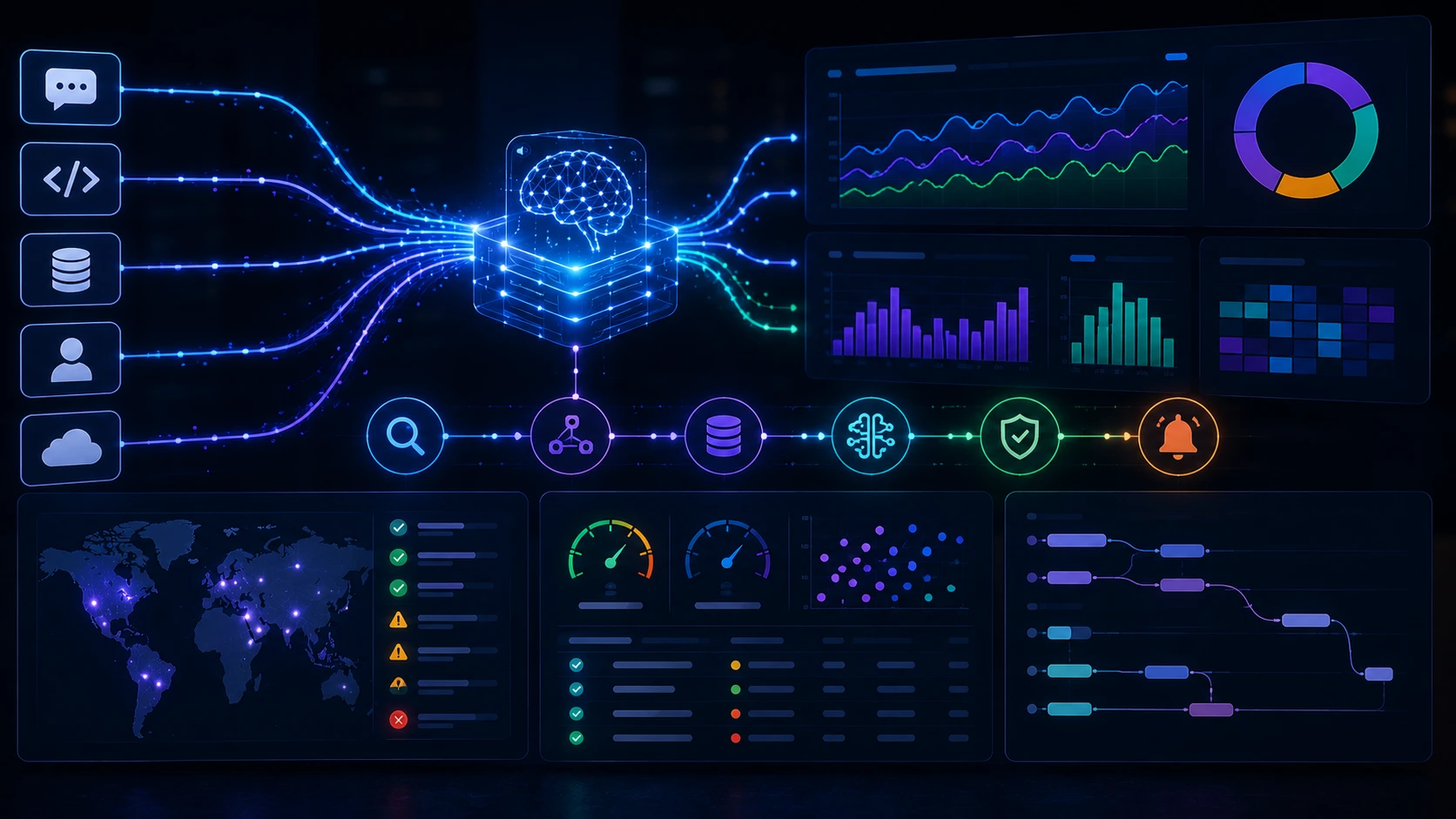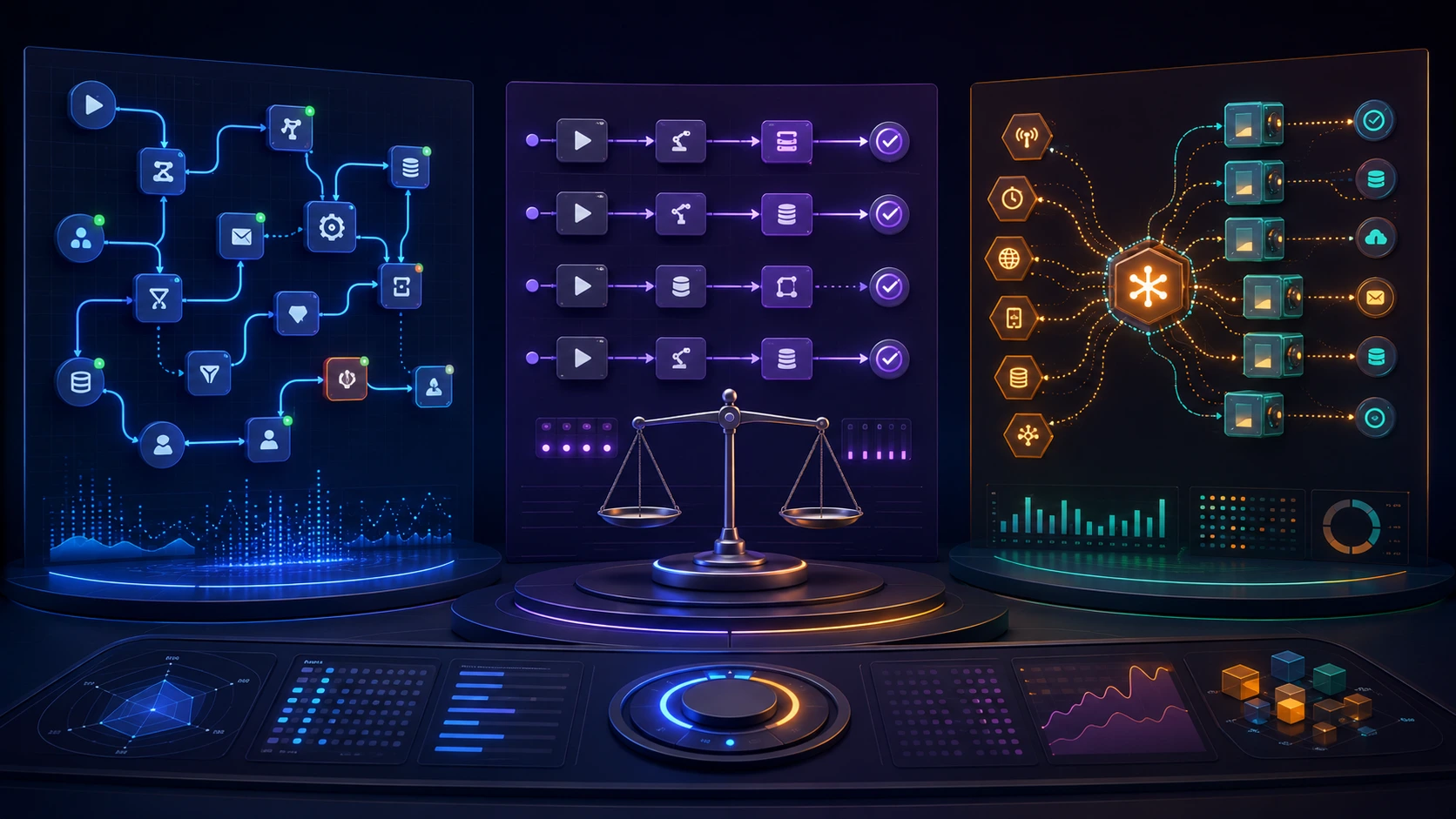
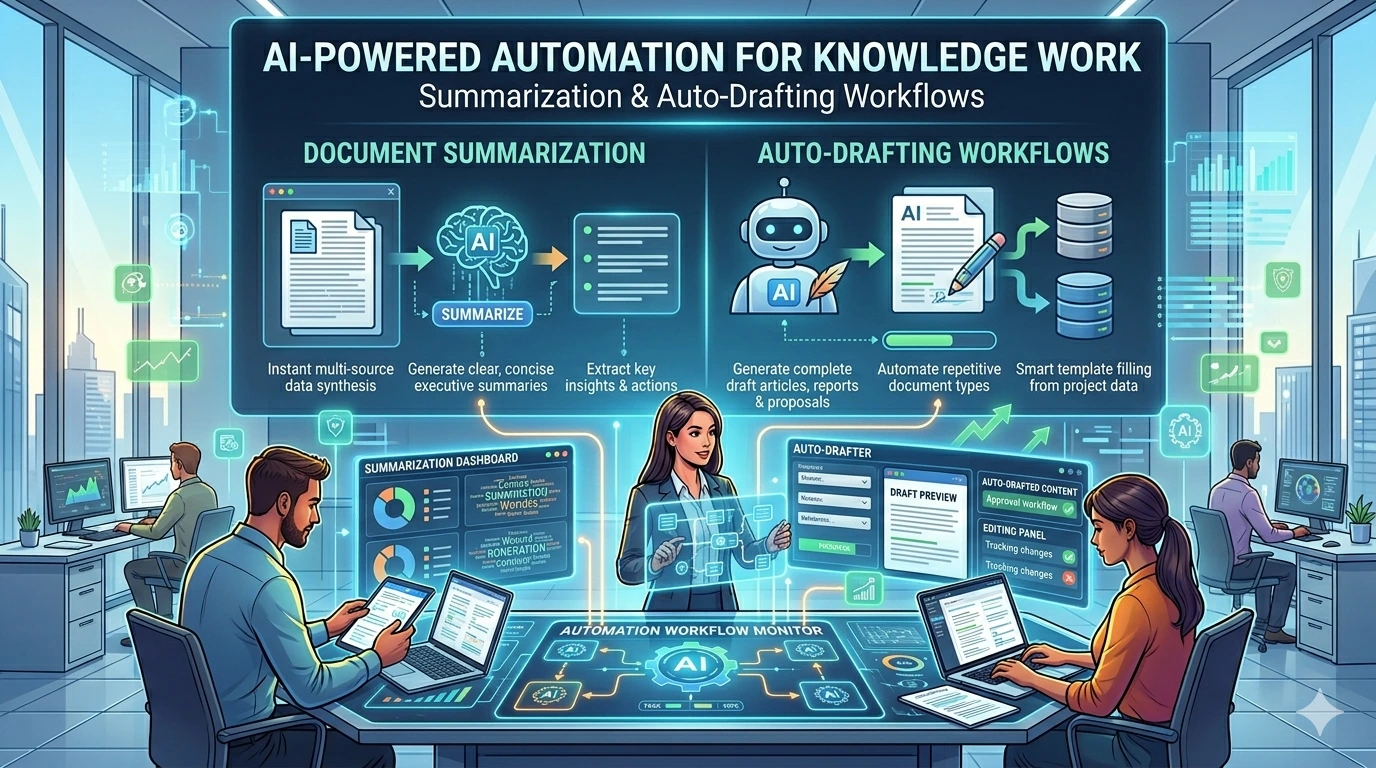
Automated workflows are only useful when you can trust their behavior and respond predictably when they fail. Yet teams often publish vague SLAs or none at all, then scramble during incidents. This article shows how to create measurable SLOs for automated workflows, turn them into effective monitoring and alerts, and build playbooks that keep automation reliable without creating constant noise.
Start by mapping outcomes, not components
Put the business outcome first: what does success look like for the workflow? Is it that customer orders are fulfilled within 10 minutes, that a nightly ETL completes before 6am, or that financial transactions reconcile with zero data loss? Defining outcomes narrows which metrics matter and prevents teams from obsessing over internal implementation details.
From SLA to SLO to SLIs: practical definitions for automation
Use consistent terminology so stakeholders know what they’re agreeing to:
- SLA (Service Level Agreement): a contractual or business-level promise (e.g., “99.9% of webhook deliveries will succeed per month”).
- SLO (Service Level Objective): a measurable target derived from the SLA used by the engineering team to operate and improve (e.g., “Maintain 99.5% success rate per week”).
- SLI (Service Level Indicator): the actual metric instrumented to measure attainment of the SLO (e.g., success_count / total_attempts).
For automated workflows, common SLIs include success rate, end-to-end latency, time-to-complete, queue depth, and percentage of runs that require human intervention. Choose SLIs that map clearly to the business outcome you defined.
Concrete SLI examples for automated workflows
Below are typical SLIs with short notes on when they’re useful:
- End-to-end success rate: percent of workflow runs that complete the intended effect without manual remediation. Core for customer-facing automations.
- P95/P99 completion time: latency guarantees for time-sensitive automations (e.g., approval flows, provisioning).
- Queue latency and backlog: monitors work piling up for batch pipelines and helps spot resource bottlenecks.
- Human-intervention fraction: percent of runs that require manual fixes—important for workflows aiming to be fully automated.
- Data correctness checks: business-specific assertions (e.g., checksum match, reconciliation delta under threshold).
Setting targets and using an automation error budget
Select SLO targets by balancing user impact, cost, and historical performance. A practical approach:
- Classify the workflow: customer-visible critical, customer-visible noncritical, or internal. Assign an initial SLO band (for example, 99.95% for critical, 99.5% for noncritical, 99% for internal).
- Use historical telemetry to validate the band. If history shows steady 99.7% for a critical flow, negotiate whether to raise or keep the SLO while planning improvements to close the gap.
- Define the error budget: the allowable fraction of failures in the SLO window. Use it to gate releases or to prioritize engineering work.
You can express the error budget calculation simply:
error_budget = (1 - SLO) * measurement_windowFor example, a 99.9% weekly SLO allows 0.1% failure across the week. If you run 100,000 workflow executions in that week, the budget permits 100 failures before you consider action.
Instrumenting SLIs: what to record and how
Instrumentation should make SLIs reliable and testable. Key practices:
- Emit an outcome event at workflow completion: success, failure, partial success, or manual remediation. That single event simplifies aggregation.
- Include contextual fields: workflow id, version, execution id, customer id, latency, and error class to enable drill-downs.
- Record heartbeats or progress markers for long-running workflows so you can detect stalls before they become failures.
- Correlate workflow traces with business identifiers to compute meaningful SLIs (for example, percent of customer orders completed in SLA).
When distinguishing failures from benign retries, define deterministic signal rules (e.g., final state after retries and compensations). This prevents double-counting and noisy alerts.
Operationalizing monitoring and alerts
Monitoring should be two-tiered: automated remediation first, on-call alerts second.
- Automatic recovery: retries, backoff, circuit breakers, and replay queues should handle transient problems without human involvement.
- SLO-aware alerts: create alerts tied to SLO burn rate rather than low-level errors. For example, a "warning" when weekly burn exceeds 30% and a "critical" when it surpasses 80%.
- Actionable alerts only: alert when human action is required—service outages, data corruption, or capacity failures—not for every exception caught and retried.
- Composite alerts: combine symptoms (queue growth + rising error rate + increased latency) to reduce false positives.
Monitoring automated workflows is a balance: you want early detection but not constant interruption. Tying alerts to the automation error budget reduces noise and focuses attention where it matters.
Playbooks: codify the most likely fixes
A short, practical playbook reduces mean time to resolution. Each playbook should include:
- Failure signature: when this alert fires, what does it usually mean?
- Immediate mitigation steps: stop incoming requests, switch to degraded mode, or increase worker count.
- Diagnostic commands and key dashboards to inspect.
- Rollback or safe-retry procedures and how to reprocess affected items safely.
- Owner and escalation path, plus communication templates for stakeholders and customers.
Keep playbooks short and test them with fire drills. If an incident requires repeated manual steps, add automation to the playbook until human intervention is only needed for exceptional cases.
Example: payment reconciliation workflow
Illustrative SLO design for a reconciliation job that runs every hour:
- Business outcome: daily ledger and settlement must match within a $100 threshold by 9am next business day.
- SLIs: hourly success rate (finished without manual fix), P99 completion time, reconciliation delta percentage.
- SLOs: 99.9% hourly success, P99 completion under 18 minutes, daily reconciliation delta < $100 for 99.95% of days.
- Error budget policy: if hourly success drops below the target and burn rate > 50% in a 24-hour window, automatically escalate to SRE and pause noncritical deployments for the reconciliation service.
- Playbook snippet: check queue depth, inspect failed batch IDs, re-run failed batches in read-only mode, escalate if data mismatch persists.
Governance: review, report, and iterate
Operational SLOs are living artifacts. Schedule quarterly SLO reviews with stakeholders to review burn patterns, reclassify workflows, and decide on investments to raise targets. Use post-incident reviews to refine SLIs, reduce brittle alerts, and add automation that prevents the same failure next time.
Practical next steps (30/60/90)
- 30 days: map top 5 workflows, define outcome statements, and instrument a completion event for each.
- 60 days: pick one SLO per workflow, compute baseline rates, and set an initial error budget policy with two alert thresholds.
- 90 days: create playbooks for the highest-impact failure modes, run a tabletop incident exercise, and schedule SLO review cadence with business owners.
Good SLOs make automation predictable. They turn vague promises into measurable targets and ensure teams respond to the right problems at the right time.
Frequently Asked Questions
What's the difference between an SLA and an SLO for automation?
An SLA is the business or contractual promise (what you tell customers or stakeholders). An SLO is the engineering target used to measure and operate against that promise. The SLO is backed by SLIs (the actual metrics you record).
Which SLIs should I start with for a new automated workflow?
Begin with one SLI that maps directly to the business outcome—typically an end-to-end success rate—and one latency SLI (P95 or P99 completion time) if timeliness matters. Add queue/backlog or human-intervention fraction next.
How do I prevent alert fatigue while monitoring automated workflows?
Alert on conditions that require human action: SLO burn-rate thresholds, sustained queue growth, or data corruption. Use automatic retries and composite alerts to suppress transient exceptions that the system can handle itself.
How should I use the automation error budget?
Treat the error budget as a limited resource: if burn is low, you can safely make changes or run experiments. If burn is high, pause noncritical deployments and prioritize remediation work until burn stabilizes.
How do SLOs change when a workflow includes human-in-the-loop steps?
Measure human-in-the-loop delay explicitly (time-to-approval or fraction of runs needing manual action) and include those SLIs in your SLOs. Design playbooks to minimize manual steps and set error budgets that reflect acceptable human delays.