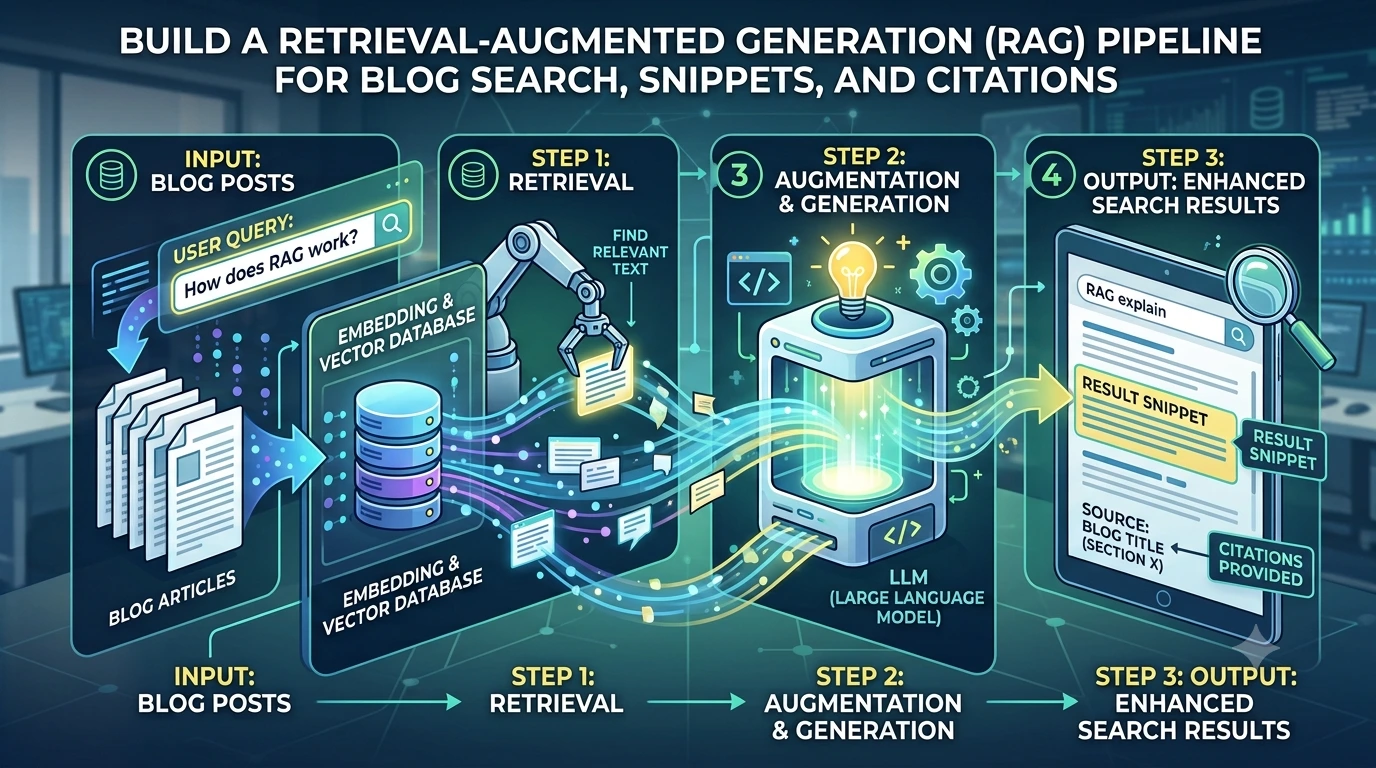
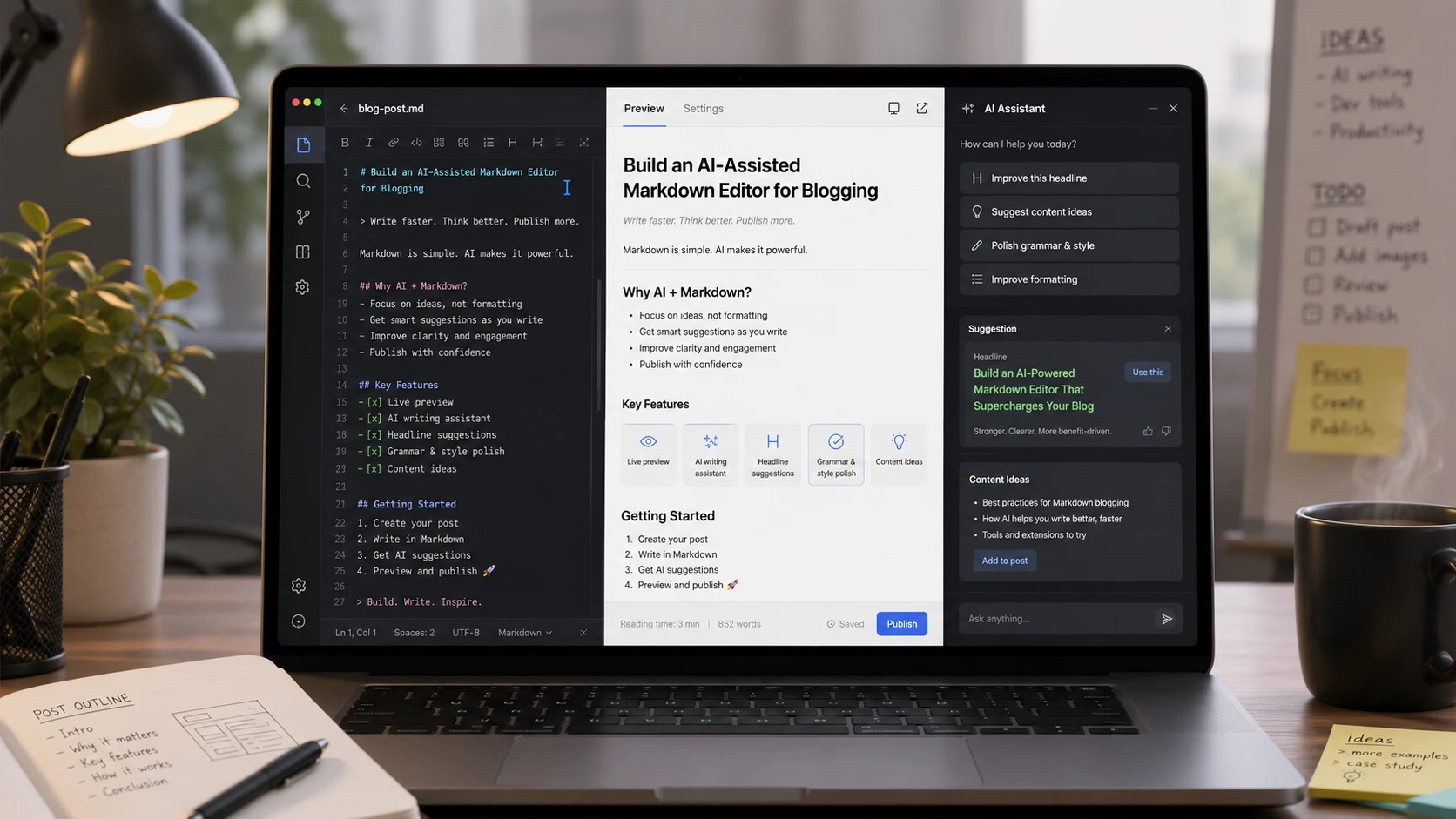
Introduction — why realtime, streamed AI in an editor matters
An AI markdown editor that streams model output and applies incremental edits transforms a writer’s workflow: suggestions arrive as you type, long-form completions flow token-by-token, grammar fixes can be previewed and accepted inline, and citations are surfaced without blocking the author. But implementing a production-ready editor that merges streaming LLM responses with concurrent human edits is tricky. This article explains an architecture and concrete tactics to build a resilient, fast, and usable AI markdown editor with streaming LLM responses, realtime editor integration, and delta-based updates.
High-level architecture
At a glance the system has three moving parts:
- Client: the editor UI (CodeMirror is a common choice) plus the CodeMirror LLM plugin that manages suggestions, streams, and local state.
- Processing/coordination layer: a small server (websocket or SSE) that mediates between clients and the LLM, applies business rules, and emits delta patches.
- LLM provider: the model endpoint that streams tokens or structured deltas.
Design principles:
- Stream everything possible: token streams, structured deltas, and status events.
- Send and apply changes as deltas (patches) rather than replacing full documents to minimize conflicts and bandwidth.
- Keep suggestions optimistic and reversible: show options inline, but avoid blindly overwriting user text.
- Use an eventual-consistency model for multi-user editing (CRDT or OT) and isolate LLM writes to avoid destructive merges.
Editor choice and realtime editor integration
Choose an editor that has strong transaction semantics and plugin hooks. CodeMirror (v6) is a compelling fit because it exposes an extension system and precise document transactions. A typical integration uses a CodeMirror LLM plugin that:
- Consumes token/patch streams and converts them into editor transactions.
- Tracks local edits and generates small, position-anchored patches to send to the server.
- Manages suggestion UI (inline chips, accept/reject actions, and placeholders while streaming).
When integrating the CodeMirror LLM plugin, implement a clear separation of user edits versus AI edits. Treat AI suggestions as first-class but optional: they appear as suggested text until accepted. That reduces the chance of unexpected overwrites and simplifies merge logic.
Streaming LLM responses and delta updates
Modern LLM endpoints can stream token-by-token or emit structured deltas. You should stream tokens and also request structured metadata (e.g., citation spans, suggestion boundaries) when available. Use the following practices:
- Request the model to emit JSON-friendly delta chunks (token text, chunk id, cursor position suggestion).
- Represent patches as small operations: insert, delete, replace, with position anchors and an operation id.
- Stream via WebSocket or Server-Sent Events to reduce latency and support partial updates.
Example delta format (JSON):
{
"op_id": "op-123",
"type": "insert",
"anchor": {
"node": "doc",
"offset": 102
},
"text": "suggested sentence text",
"meta": {
"source": "llm",
"confidence": 0.84,
"citation": [{"span": [0, 26], "source_id": "doi:10.x/abc"}]
}
}
On the client, the CodeMirror LLM plugin listens to the stream and converts each op into an editor transaction. Apply AI ops as non-destructive suggestions by default (e.g., decorate the text as a suggestion layer) and only commit to the document when the user accepts or when you have a deterministic auto-apply rule.
Handling concurrent edits: CRDT vs OT and delta merging
Concurrent edits are the core difficulty. There are two mainstream approaches:
- Operational Transform (OT): good for centralized servers and collaborative text editors, but more complex when you introduce external sources like LLM patches.
- Conflict-free Replicated Data Types (CRDT): easier to reason about in peer-to-peer or multi-author setups; indexes positions using unique stable ids rather than numeric offsets.
For an AI-assisted blogging editor focused on single-author or small-team workflows, a pragmatic hybrid works well:
- Use a CRDT or a server-mediated OT engine for user-to-user syncing.
- Treat LLM patches as ephemeral suggested operations tagged with their origin and base document version.
- When a streaming LLM delta arrives, rebase it against edits that happened after the LLM’s base version. If rebasing fails, mark the suggestion as conflicted and surface it to the user.
Rebasing strategy example:
- LLM patch contains base_version = 42.
- Client current_version = 45; fetch operations 43..45 and transform the LLM patch by remapping anchors to current coordinates (or map by nearby tokens using fuzzy anchors).
- If the remapped patch still applies cleanly, render it as a suggestion; otherwise, flag a merge conflict.
Optimistic UI LLM patterns
Optimistic UIs keep the app feeling fast. For AI suggestions this means showing a suggestion preview immediately while token streaming continues and while the system finishes rebase checks. Key patterns:
- Show suggestion overlays (decorations) instead of immediately mutating the user's text. Overlays are visually distinct and offer accept/reject buttons.
- Allow keyboard shortcuts to accept partial suggestions as they stream — e.g., accept next sentence.
- Provide an undo affordance that reverts the last accepted AI change as a single operation for easy recovery.
Resolving merge conflicts streaming AI suggestions
When the editor and the LLM simultaneously modify the same region, streaming AI can create tricky conflicts. Practical approaches:
- Prefer non-destructive suggestions: never auto-apply an LLM patch over unconfirmed user text.
- If a conflict occurs during streaming, switch the suggestion into a conflict resolution view that shows both the current text and the LLM’s alternative.
- Support inline three-way merges for writers: base, current, LLM suggestion. Highlight differences and offer accept/merge/ignore actions.
- For small edits (grammar fixes), consider auto-applying patches if the edit is purely stylistic and the user has enabled auto-fix; otherwise queue for review.
Implementing inline citations and fact sources
Blogs need citations and traceability. When prompting the model, request structured citation metadata alongside token streams. Implement the following:
- Emit citation spans as metadata in the delta stream with source identifiers and optional URLs or DOIs.
- Render citations as inline footnote anchors or endnotes and attach persistent metadata to the document model.
- Store citation provenance in your backend so you can re-run verification or refresh sources later.
Make the model prompt explicit: ask for citations in a machine-readable JSON block after the generated text, and validate the block on the server before delivering to the client.
Practical code example: minimal node websocket stream + delta handling
// Server: forward LLM streaming to websocket clients (pseudocode)
const WebSocket = require('ws');
const wss = new WebSocket.Server({ port: 8080 });

wss.on('connection', ws => {
ws.on('message', async msg => {
const req = JSON.parse(msg);
// Call provider with streaming tokens and structured deltas
const stream = llmProvider.streamGenerate(req.prompt, { stream: true, metadata: true });

for await (const chunk of stream) {
// chunk could be { op_id, type, anchor, text, meta }
ws.send(JSON.stringify(chunk));
}
});
});

// Client: receive delta chunks and apply as suggestion decorations
ws.onmessage = ev => {
const chunk = JSON.parse(ev.data);
// transform anchor if local edits happened
const remappedAnchor = rebaseAnchor(chunk.anchor, currentDocVersion, chunk.base_version);
if (remappedAnchor.conflict) {
showConflictUI(chunk, remappedAnchor);
} else {
applySuggestionDecoration(remappedAnchor.offset, chunk.text, chunk.op_id, chunk.meta);
}
};
This example is intentionally compact. Production implementations need robust rebase logic, backpressure handling, token buffering, and security checks.
Performance, cost control, and observability
Streamed AI features increase API usage and complexity. Consider:
- Batch prompts where possible. For minor grammar fixes, send minimal context windows instead of the whole doc.
- Implement sampling and throttling: don’t stream completions for every keystroke; debounce and limit concurrent streams per user.
- Capture metrics: stream latency, rebase failure rate, suggestion acceptance rate, and cost per suggestion.
- Log deltas and version anchors for debugging merge conflicts and reproducing state.
Security, privacy and content safety
Treat content privacy as a first-class concern. Options include:
- On-premises or private-hosted LLMs for sensitive content.
- PII redaction before sending prompts and tokens to third-party providers.
- Prompt sanitization and output filtering to guard against hallucinations or unsafe content.
Testing strategies
Testing an AI-assisted editor needs both traditional and AI-specific tests:
- Unit tests for delta application, rebase and conflict detection logic.
- Integration tests that simulate concurrent user edits and injected LLM streams.
- End-to-end tests that measure user flows: suggestion acceptance, undo, and citation insertion.
Putting it together — concrete roadmap
- Start with a single-author prototype: CodeMirror + local LLM streaming; implement suggestion overlays and accept/reject actions.
- Add a small coordination server that proxies the LLM and emits structured delta streams.
- Introduce versioning and simple rebase logic to map LLM anchors against live documents.
- Upgrade to a collaborative backend (CRDT/OT) and test multi-user scenarios; add conflict UI and merge tools.
- Enhance prompts for citations, grammar fixes, and smart suggestions; add metrics and cost controls.
Design the editor so the AI augments authorship, not replaces it: stream helpful suggestions, keep user control first, and expose clear, reversible actions for every AI change.
Conclusion and next steps
Building an AI markdown editor that streams LLM output, supports realtime editor integration, and handles concurrent edits requires thoughtful design across streaming, delta formats, and merge strategies. Start with non-destructive suggestions and incremental deltas, rebase intelligently, and expose conflict resolution tools. With the right architecture you can deliver features like smart suggestions, grammar fixes, and inline citations without surprising writers or creating merge chaos.
For implementation notes on lightweight coordination servers and streaming proxies, consult related engineering write-ups and knowledge base articles in the team’s library.
Frequently Asked Questions
What is the best way to apply streaming LLM output to a live editor without overwriting user edits?
Apply streaming output as suggested text (decorations) rather than immediate replacements. Tag each delta with a base document version and rebase anchors against local edits. If rebasing fails, mark the suggestion as conflicted and let the user resolve it. Keep auto-apply limited to low-risk edits (e.g., punctuation/grammar) and provide a single-step undo.
Should I use OT or CRDT for a collaborative AI-assisted editor?
Both work, but choose based on your constraints. OT fits a centralized server model with established collaborative protocols. CRDTs simplify eventual consistency in distributed scenarios. A pragmatic approach is to run a CRDT/OT engine for user syncing and treat LLM patches as ephemeral, rebased suggestions that respect the collaboration layer.
How can I surface inline citations from model-generated text?
Ask the model to emit structured citation metadata along with generated text (e.g., JSON blocks with citation spans and identifiers). Validate and store that metadata on the server, then render citations as footnotes or anchors in the editor while keeping provenance attached to the document model for later verification.
How do I control costs when streaming many LLM responses?
Throttle and debounce AI requests, batch small edits, implement per-user concurrency limits, and measure acceptance rates to tune when to call the model. For grammar-only fixes, use smaller context windows or specialized lightweight models to reduce token usage.